
HUE Chatbot
Really smart" and "easy to operate" AI chatbot
HUE is an AI chatbot that responds to "fluctuations" in Japanese by applying our proprietary NLP (Natural Language Processing) technology.






Logos of some companies are shown with permission.
Topics
Fujipan Introduces "HUE Chatbot" to Automate 23,000 Internal Inquiries with Generated AI
2024-06-20HUE Chatbot" supports RAG, automatically answers inquiries with high accuracy using generated AI.
2024/06/13HUE Works Suite" linked with "GMO Trust Login" to further expand authentication infrastructure partners
2024/03/13HUE Chatbot" selected from about 20 services by Kimura Foundry Co.
2024/03/06HUE Works Suite," a SaaS service that supports DX promotion from the field, linked with "HENNGE One
Sep. 13, 2023Nagasaki Bus Introduces "HUE Chatbot" to Automate Response to User Inquiries
2023/08/30Mie Prefecture Introduces AI-type "HUE Chatbot" to Promote DX of Procedures Related to Industrial Waste
2023/08/17HUE Chatbot" automatically generates more useful FAQs with ChatGPT, expanding the range of answers at once.
2023/05/12Kobe Steel Automates Inquiry Responses from Approximately 10,000 Employees with HUE Chatbot
Mar. 31, 2023Shionogi Introduces "HUE Chatbot" to Quickly Respond to Inquiries from Individual Investors, etc., Hoping to Increase Satisfaction
What is HUE Chatbot?
Works Suite DX Solutions Chatbot (HUE Chatbot) is a "truly smart" and "easy to operate" AI chatbot created in response to customer dissatisfaction with conventional chatbots.
It has an intuitive operation screen that does not require a manual, and is equipped with useful functions and AI that can respond to any type of question.

Three Features of HUE Chatbot
Smart AI from the Start
HUE chatbots are developed, provided, and maintained directly by Works Tokushima Artificial Intelligence NLP Laboratory, a research and development institute specializing in natural language processing, and they understand and absorb a wide range of question expressions and answer with high accuracy.


Chatbot that anyone can easily deploy
No programming or other specialized knowledge is required to implement HUE chatbots. Complex scenario branching, text decoration, link insertion, image insertion, etc. can be easily set up with just on-screen operations.
If you already have an FAQ or a large number of FAQs, you can register and update them in batches using CSV.
Easier to view" and "easier to use" than any other chatbot
What is important in chatbot operation is to aim for more effective use and to maintain a high level of user satisfaction.
HUE chatbot's dashboard for administrators allows you to see usage status and Q&A at a glance. In addition, the AI will tell you where you can make improvements, and you can add or modify Q&A directly from the dashboard, allowing you to efficiently perform tasks from analysis to improvement.

Many useful functions to aid operation are included in
-
Function 1
Independent UI / Embedded in Web site
In addition to using the chatbot alone in the browser, it can be embedded in websites, internal portals, etc. using HTML.

-
Function 2
Multi-device support
Multi-device support allows for use on PCs, tablets, and mobile devices.
-
Function 3
Chat service integration
HUE chatbot can be embedded in chat services that you normally use for seamless inquiry.
-
Function 4
Question-and-answer type / scenario type
Both question-and-answer and scenario selection types are supported to absorb a wide range of interaction patterns.
-
Feature 5
Design settings
Design settings such as theme color, logo, and avatar can be freely changed.
-
Function 6
Start Message
Frequently asked questions can be set in the message when the chatbot is opened, allowing users to ask questions without hesitation.
-
Feature 7
Q&A Preview
Before publishing a Q&A, you can preview how the chatbot will respond.
-
Feature 8
Image Embedding
You can embed images in the answers when it is difficult to explain with only text. This is useful, for example, to show a specific menu in a site.
-
Feature 9
Multiple Chatbot Publishing
Chatbots can be created for each topic and placed in different locations, or topics can be selected from a single chatbot.
-
Feature 10
Escalation Settings
When a response cannot be provided, the inquiry and conversation history can be sent to the administrator via email. Name and email address can be required.
-
Feature 10 Feature 11
Administrator Account Permission Settings
Viewing/editing privileges can be controlled for each content in detail, and administrator accounts can be created for specific content only or for reference only.
-
Function 12
User synonym dictionary
User synonyms can be registered on the screen or in CSV format. Different words that refer to the same thing can be registered to absorb shaky notation and improve the accuracy of answers.
-
Function 13
Ask ChatGPT
ChatGPT can generate answers to general questions that have not been registered in Q&A. By registering a theme, it is possible to answer according to the theme.
-
Function 14
Usage Status Download
The number of question references, response content, feedback results, etc. can be downloaded in CSV for more detailed analysis.
-
Function 15
Multilingual support
Automatic translation into more than 50 languages is supported. Simply by preparing a Japanese Q&A, you can respond to questions received in a variety of languages.
*Optional service
-
Function 16
Manned chat integration
Customers can directly respond to questions entered into the chatbot.
This service is only available with LINE WORKS.
LINE WORKS is used by manned operators, and questioners do not need to use LINE WORKS.
-
Function 17
Document search
Generation of response sentences by AI
AI generates natural response sentences using RAG from documents such as employment regulations and manuals uploaded or obtained from websites. You can also jump to the link of the source document to check the content.
AI automatic listen back
When you ask an ambiguous question with a single word, it will listen back to the question candidates related to that word to narrow down the question you want to ask and get the answer you want with higher accuracy.
*Optional services
-
Feature 18
Q&A generation by ChatGPT
Q&A can be automatically generated from uploaded documents, and answers can be automatically updated when documents are updated.
Optional service


Click here for more details
Try it for free
A free trial of HUE Chatbot is available. If you are interested in our service, please use the 30-day trial first to test its usability.
Click here for a free trial

Chatbot Introduction Document
We hope you will find this information useful when selecting a chatbot system, including a more detailed functional introduction, steps to introduce a chatbot system, and other introduction support services.
Download the Brochure

Frequently Asked Questions
-
What is natural language processing?
Natural Language Processing (NLP, Natural Language Processing) is a technology and software that allows computers to process human-used languages such as Japanese and English.
It is used in various situations such as kana-kanji conversion, information retrieval, and voice recognition. -
Please tell me about version upgrades.
Based on the latest technology and customer requests, we release new functions in a cycle of about 3 months.
-
Can I tune the system if there are many product, business, industry, or region-specific words or expressions?
With the response rate improvement tuning option, our team of natural language processing technology experts can adjust the AI according to linguistic features to significantly improve response accuracy. In fact, we have seen cases where the initial correct response rate was around 70% improve to over 95% correct through response rate improvement tuning.
-
Tell us about the Tokushima NLP Institute for Artificial Intelligence.
We are a research and development institute specializing in natural language processing (NLP), which officially started operations in February 2017.
The institute conducts research and service development to propose new ways of working by improving work efficiency and productivity through the use of artificial intelligence, especially NLP.
For more information, please check the following institute website.
https://nlp.worksap.co.jp/ -
Where can I install chatbots?
Chatbots can be installed in a variety of locations, including internal chat tools such as Microsoft Teams and LINE WORKS, websites, and internal portals.
Download the Brochure


What you will find in this document
- HUE Chatbot Features / Functions
- HUE Chatbot Price Plans
- HUE Chatbot Introduction Image and Introduction Support Service
Resources
Web Articles
Advantages of using chatbots as FAQs for internal use and points to keep in mind when introducing them

Web Articles
How to Measure and Improve the Effectiveness of Chatbots to Correctly Know the Effectiveness of Chatbots

Web Articles
What is the difference between chatbots and FAQs? Explaining how to solve customer issues

Cases
Fuji Pan introduced "HUE Chatbot"
Fujipan Group Honsha Co.

HUE Works Suite DX Solutions Chatbot, an AI chatbot, is expected to automate approximately 10,000 hours of inquiry responses per year
Kobe Steel, Ltd.

70-80 calls per day dramatically reduced with chatbot
Kimura Foundry Co.

Download the Brochure
Detailed product information
HUE Chatbot Introduction
Download the Brochure
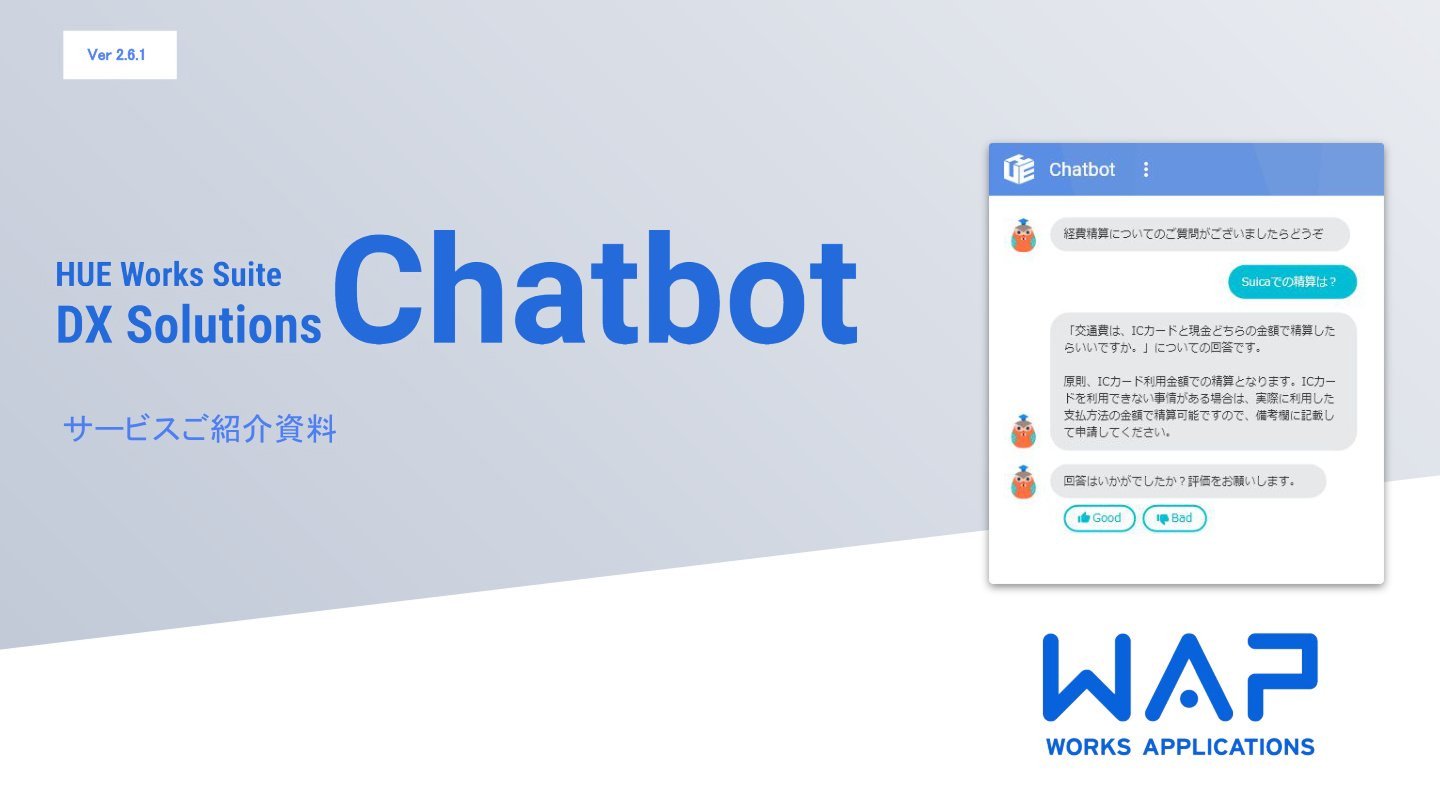
Detailed product information
Introduction material of Chatbot for accounting
Download the Brochure
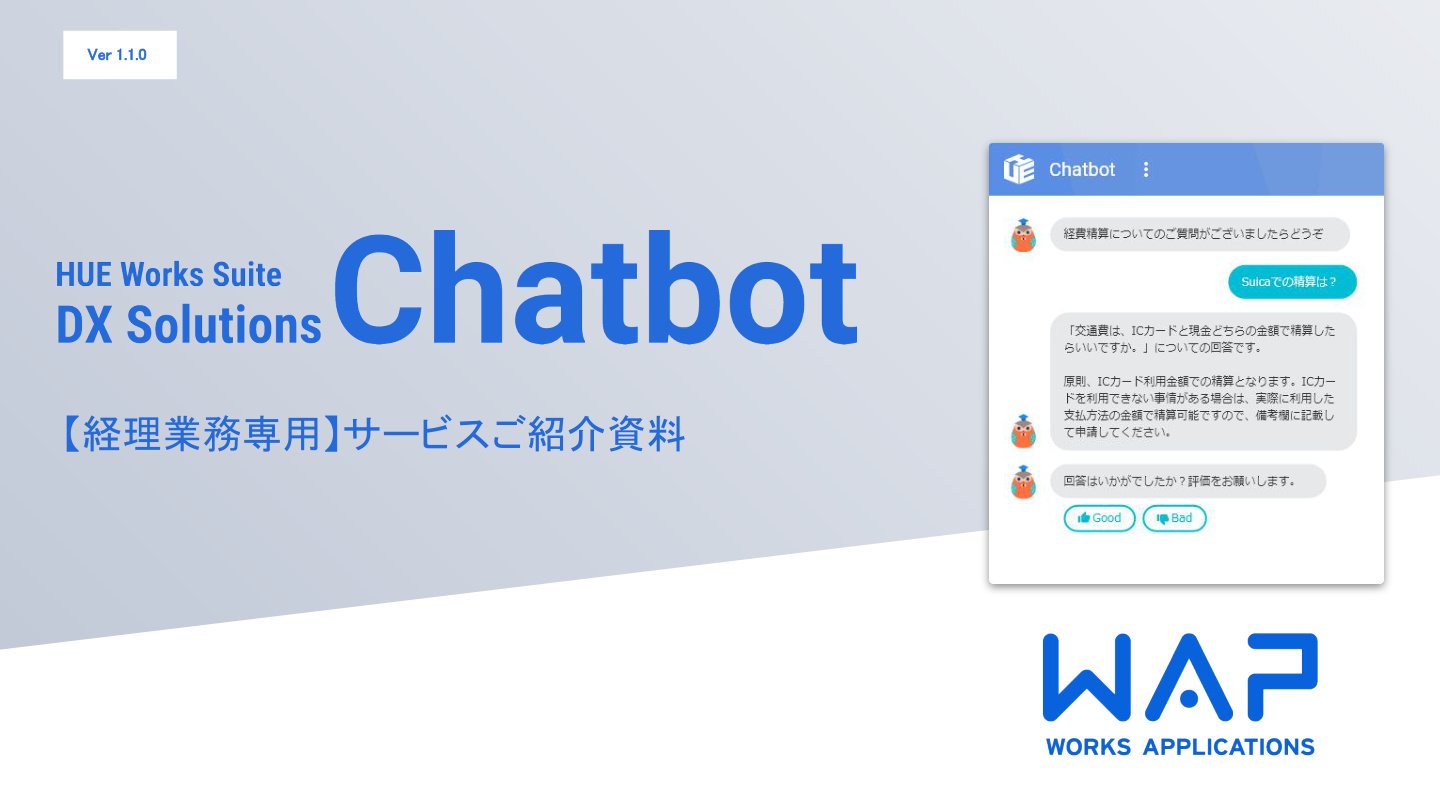
Introduction of Partner Program
WAP works with partners to promote development and service deployment, and has built a system that can respond to a variety of on-site feedback.

Resources
This site provides useful contents for solving issues in each department, such as compliance with legal revisions and system selection.
Please make use of this information when considering the introduction of a system, improving business operations, and solving problems.