
HUE Asset
Fixed asset management system for major Japanese companies that handles everything from fixed assets to temporary construction and leases.
More than 1,300 companies have installed the system. The standard functions support all the requirements of various industries and business categories, including fixed assets, leases, inventories, and asset impairment.
Fixed price support enables you to keep up with internal and external changes such as legal revisions, IFRS, and corporate mergers.















Three Features of HUE Asset
All-in-One system to centralize information on
assets
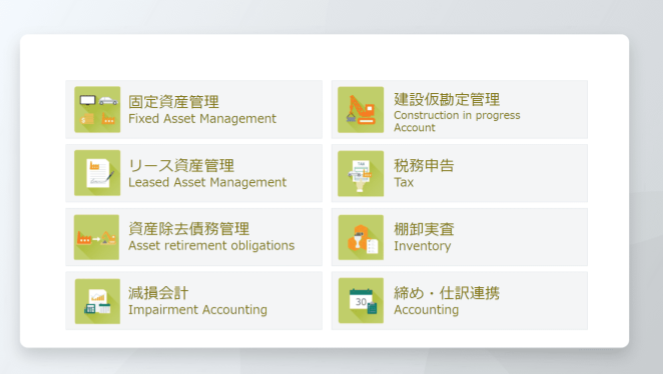
Provides all-in-one functionality not only for fixed assets, but also for peripheral areas.
All asset-related information, such as the settlement of construction in progress, on-balance processing of leases, reflection of inventory inspection results in the ledger, and determination of signs of impairment, can be centralized, so you can always confirm the latest and most accurate information.
For both accounting and the field.
Functions focused on ease of use
In addition to professional-use functions for the accounting department, the system also provides functions with a user interface that is easy to use for each on-site employee.
For example, paperless reports from each field site that are currently circulated on paper or Excel, and mobile inventory inspections allow the accounting department to concentrate on checking and year-end processing.

Free version upgrades to
ensure peace of mind in the face of legal changes.
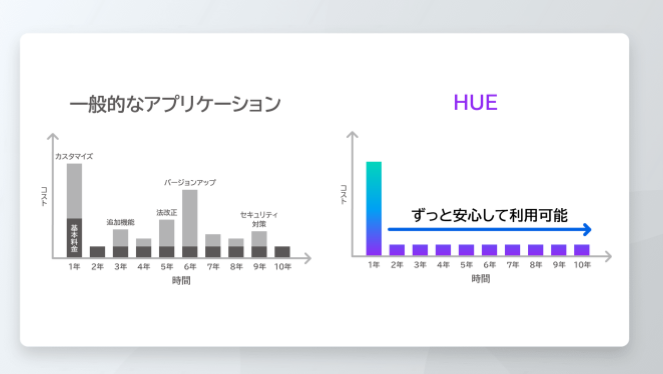
Version upgrades, including the addition of new functions, are provided on a perpetual basis within the scope of the fixed maintenance fee, and no separate fees are charged.
This ensures a long period of reliable use even in the area of asset management, which is subject to frequent system revisions.
Feature Functionalities
-
Function 1
Depreciation simulation
High-speed simulation including acquisition/disposal schedules. Try and error at high speed in comparison with the actual environment.

-
Function 2
Smart Device Inventory Audit
Simply read the QR code with your smartphone to complete the actual inspection. There is no need to distribute or collect forms or convert them into data.
-
Function 3
Screen layout designer
Separate items can be displayed for each type of user and asset. The field can input the data, and the accounting department can check the data.
-
Function 4
Provisional Allocation Registration
N:m and multi-step allocations can also be handled, eliminating the need to use Excel to perform tasks that would otherwise be performed by a single person, and accelerating the closing of accounts.
-
Feature 5
New lease accounting support
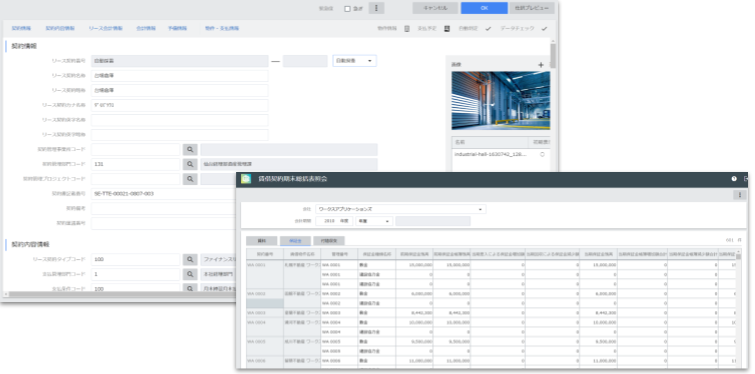
In addition to handling lessee accounting, taxation, notes, etc., the system covers lessor and sublease functions and property management functions for the field.
-
Function 6
Reorganization Portal
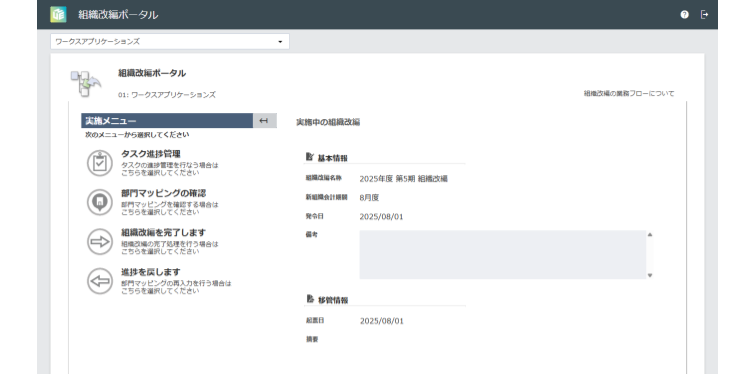
Even in the event of a sudden organizational change, simply follow the steps to change asset information and create journal entries for transfers.
-
Feature 7
AI useful life determination
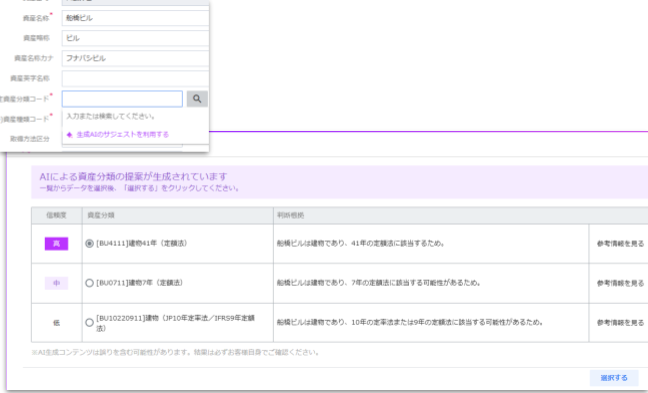
AI determines useful life according to the information entered. This helps to reduce human resource and support accurate operations.


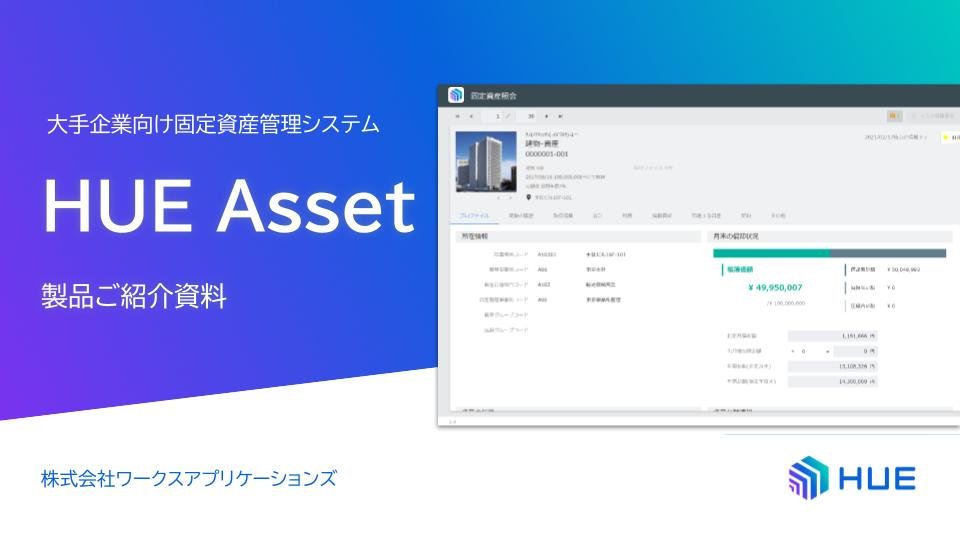
HUE Asset Product Introduction
This document summarizes the features and functions of HUE Asset, as well as its introduction results and maintenance support.
Download Brochure
Fixed Assets Management Case Studies
You can see examples of introduction and utilization of HUE Financials & Strategy by major companies in various industries and business categories.
Download Brochure


Cases
Sumitomo Electric Industries Adopts “HUE Lease Accounting”
Sumitomo Electric Industries, Ltd.

MIRARTH Holdings goes live with HUE
MIRARTH Holdings, Inc.

Earth Corporation Selects HUE
Earth Corporation

Download Brochure
Other useful documents
Fixed Asset Management System RFP Creation without Failure
Download Brochure
Detailed product information
HUE Asset introduction materials
Download Brochure
Other useful documents
IFRS 16 Application Survey Report
Download Brochure
Introduction of Partner Program
WAP works with partners to promote development and service deployment, and has built a system that can respond to a variety of on-site feedback.

Resources
This site provides useful contents for solving issues in each department, such as compliance with legal revisions and system selection.
Please make use of this information when considering the introduction of a system, improving business operations, and solving problems.